
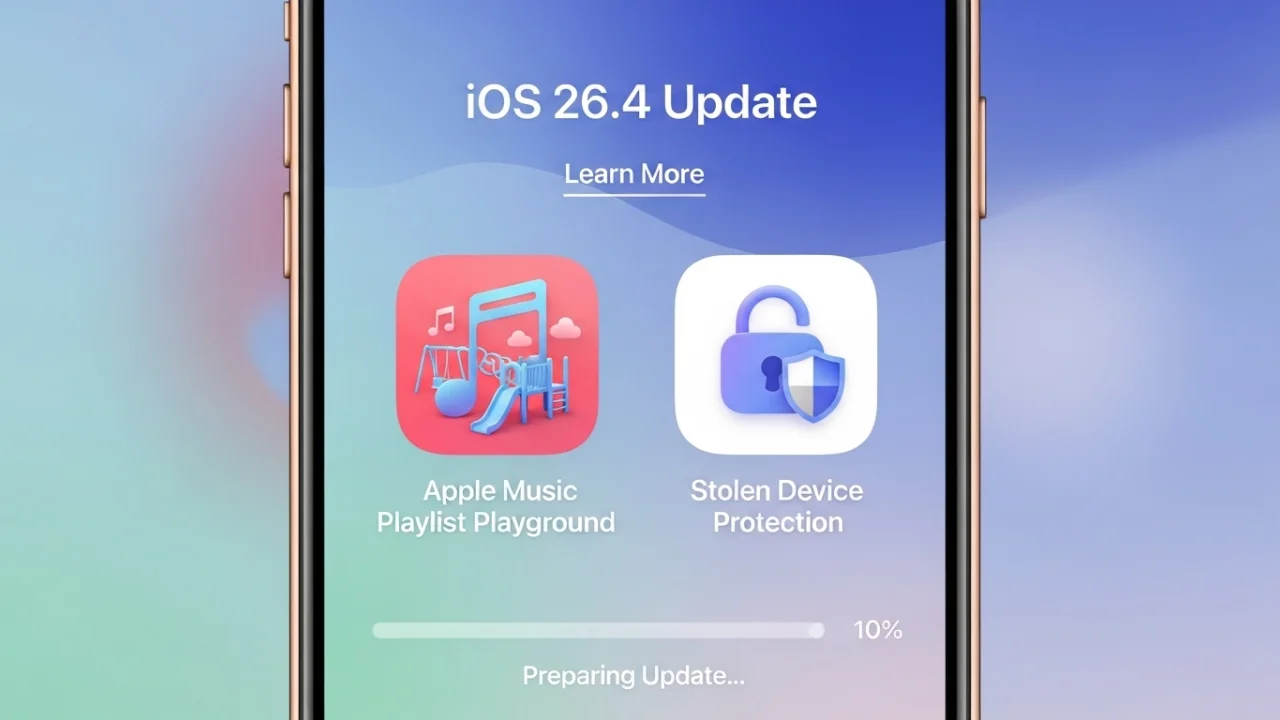
iOS 26.4 Released: Stolen Device Protection On by Default, AI Playlists & Keyboard Fix
Apple released iOS 26.4 to the public on March 23, 2026 . This is a solid point update that focuses on security, music, podcasts, and a long-awaited keyboard fix. No, the new Siri isn’t here yet – but there’s plenty worth updating for.
Let me walk you through everything new in iOS 26.4.
Release Date and Availability
Public release: March 23, 2026
How to update: Settings → General → Software Update
Update size: Around 4.5GB to 12.7GB depending on your current iOS version and device
Compatible iPhones: iPhone 11 series through iPhone 17 series, including iPhone SE (2nd/3rd gen), iPhone 16e, iPhone 17e, and iPhone Air
1. Stolen Device Protection: Now On by Default
This is the biggest security change. Stolen Device Protection is now enabled automatically for all iPhone users instead of being optional .
What it does:
When your iPhone is away from trusted locations (like home or work), certain sensitive actions require biometric authentication (Face ID or Touch ID) with no passcode fallback . Some actions also add a one-hour security delay.
What triggers this protection:
-
Viewing saved passwords
-
Turning off Lost Mode
-
Erasing the device
-
Changing Apple ID password
-
Changing Face ID or Touch ID settings
This prevents a thief who has seen your passcode from taking over your digital life. You can still disable it in Settings if you want, but for most people, keeping it on is the smart move.
2. Apple Music: Playlist Playground and Concerts
Apple Music gets three major upgrades.
Playlist Playground (AI-powered): This is the headline feature. You can now generate playlists by typing a description – “jazz tunes from the 1950s” or “chill rainy day mix” – and Apple Intelligence creates a custom playlist with a title, description, and tracklist . You can also tweak results with follow-up prompts .
Concerts Near You: Apple Music now shows upcoming shows from artists in your library, plus recommendations for new artists based on what you listen to .
Full-screen artwork: Albums and playlists now display immersive full-screen background art .
Bonus: Music Recognition now works offline. Identify songs without internet, and results appear when you’re back online .
3. Apple Podcasts: Video Support Arrives
Podcasts now support video episodes for the first time . You can switch between audio and video versions, stream shows, or download video episodes for offline viewing .
This opens up new possibilities for creators – video podcasts will work with Apple’s recommendation algorithms and existing subscription system .
4. 8 New Emoji Characters
The emoji keyboard gets eight new additions :
| Emoji | Description |
|---|---|
| 🐋 | Orca |
| 🎺 | Trombone |
| 🩰 | Ballet dancer |
| 😖 | Distorted face |
| 🧸 | Bigfoot (hairy creature) |
| ⛰️ | Landslide |
| 📦 | Treasure chest |
| ☁️ | Battle/fight cloud |
5. Keyboard Accuracy Fix
This is the fix many users have been waiting for. Apple has addressed keyboard accuracy issues where the wrong character would sometimes appear when typing quickly . If you’ve been frustrated by typos, this update should help.
6. Purchase Sharing: Family Members Get Their Own Payment Method
With Family Sharing, each adult member can now use their own payment method for purchases instead of relying on the family organizer’s card . Children still use the organizer’s method.
7. CarPlay Updates
Two new features for CarPlay :
-
Voice-based chatbot support: Apps like ChatGPT, Google Gemini, and Claude AI can now work in CarPlay
-
Ambient Music widget: Quick access to curated playlists from the CarPlay home screen
8. Ambient Music Widget for Home Screen
A new Ambient Music widget appears in the widget gallery. It offers curated playlists for different moods – Sleep, Chill, Productivity, and Wellbeing .
9. Reminders: Urgent Smart List
Reminders now has a dedicated “Urgent” smart list . Mark reminders as urgent from the Quick Toolbar, and they’ll appear in this separate list with alarms .
10. Other Improvements
| Feature | What’s New |
|---|---|
| Freeform | Advanced image editing tools and premium content library through Creator Studio |
| Health | New “average bedtime” metric to track sleep patterns |
| Unified Apple Account | Redesigned account hub across App Store, Music, and Apple TV |
| Accessibility | Reduce bright effects option, easier subtitle access, better Reduce Motion for Liquid Glass |
| Notification Forwarding | Forward iPhone notifications to third-party wearables (EU only) |
| Proximity Pairing | Tap-to-pair for third-party accessories (EU only) |
Security Patches
iOS 26.4 includes 34 security fixes across Audio, iCloud, Mail, Printing, Siri, and the iOS kernel . If you care about security (and you should), this update is worth installing.
What’s Not in iOS 26.4: No New Siri
The improved Siri – powered by Gemini AI and capable of true assistant-level tasks – is not in this update . That’s still expected later this year, possibly with iOS 26.5 or iOS 27 .
PROS AND CONS: iOS 26.4
| Pros | Cons |
|---|---|
| Stolen Device Protection on by default – real security improvement | No new Siri – still waiting |
| Playlist Playground is genuinely useful for discovering music | Large update size (up to 12.7GB) |
| Video podcasts finally arrive | New emoji won’t change your life |
| Keyboard accuracy fix – long overdue but welcome | Some EU-only features (Proximity Pairing) |
| Family members get their own payment method | RCS end-to-end encryption still in testing, not fully live |
| 34 security patches |
Expert Opinion: Should You Update?
Yes, install it. Not because it’s flashy, but because it’s important.
The Stolen Device Protection change alone makes this update worth it. If your iPhone is ever stolen, this feature could save your digital life. The keyboard fix will make daily typing less frustrating. The security patches close 34 vulnerabilities .
Playlist Playground and video podcasts are nice bonuses, but the real value here is in the security and quality-of-life improvements.
If you’ve been putting off updates, now’s a good time to catch up.
IMPORTANT LINKS
| काम | Link |
|---|---|
| Update iPhone | Settings → General → Software Update |
| Apple Security Updates | support.apple.com/100100 |
| iOS Feature Availability | apple.com/ios/feature-availability |
CONCLUSION
iOS 26.4 is out now, and it’s a solid update. Stolen Device Protection is finally on by default – a real security win . Apple Music gets AI-powered Playlist Playground and concerts discovery . Podcasts finally supports video . The keyboard accuracy is fixed .
No, the new Siri isn’t here yet. That’s still coming. But for security, music, and daily typing, iOS 26.4 is worth installing.
Go to Settings → General → Software Update and tap Download and Install. It’ll take 10-15 minutes, and your iPhone will be better protected than before.
FREQUENTLY ASKED QUESTIONS (FAQ)
1. iOS 26.4 kab release hua?
March 23, 2026 ko public release hua .
2. Kaun se iPhones mein iOS 26.4 aayega?
iPhone 11 series se lekar iPhone 17 series tak, iPhone SE (2nd/3rd gen), iPhone 16e, aur iPhone Air sab eligible hain .
3. Stolen Device Protection kya hai?
Agar aapka iPhone trusted location (jaise ghar) se door hai, toh sensitive actions ke liye Face ID/Touch ID zaroori hai – passcode fallback nahi hai. Thief ko aapka passcode pata hai toh bhi wo sensitive changes nahi kar sakta .
4. Playlist Playground kya hai?
Apple Music ka AI-powered feature hai. Aap description type karo – “chill rainy day mix” – aur ye automatically ek playlist bana deta hai .
5. Kya Podcasts mein video aayega?
Haan, ab video episodes support hain. Audio aur video ke beech switch kar sakte ho .
6. Keyboard fix kya hai?
Typing accuracy improve hui hai. Pehle fast type karne par wrong character aata tha, ab fix ho gaya .
7. Naye emoji kaun se hain?
8 naye emoji aaye hain – orca, trombone, ballet dancer, distorted face, Bigfoot, landslide, treasure chest, aur fight cloud .
8. Kya family purchase sharing change hua?
Haan, ab family members apne payment method se purchases kar sakte hain. Ab sirf organizer ke card ki zaroorat nahi .
9. iOS 26.4 update size kitna hai?
Device pe depend karta hai. iOS 26.3.1 se upgrade karne par 4.5GB se lekar 12.7GB tak ho sakta hai .
10. Kya naya Siri aaya?
Nahi, naya Siri (Gemini AI-powered) abhi nahi aaya. iOS 26.5 ya iOS 27 mein expected hai .